 Schools
 School groups
 Fully managed
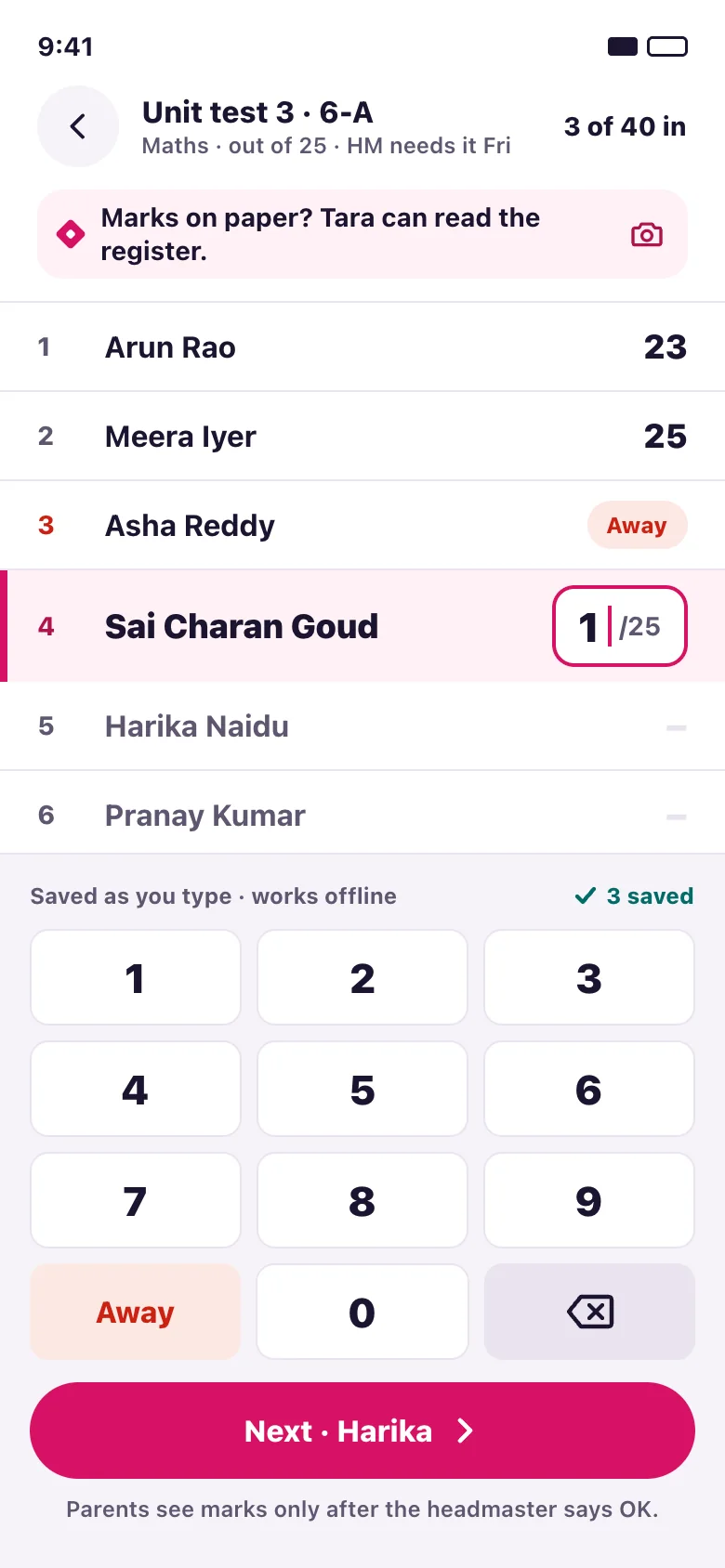
Marks in once. Report cards out for the whole section.
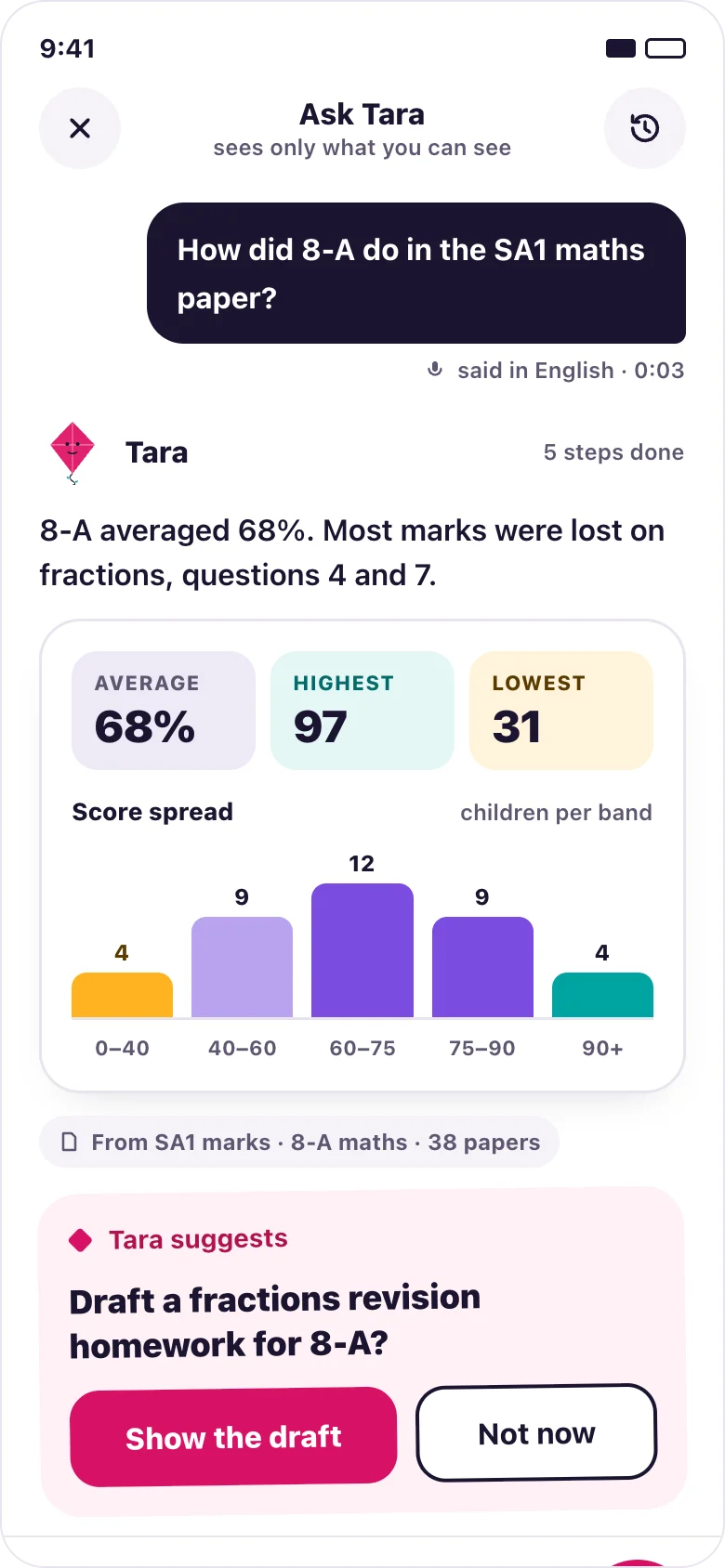
Longbell’s exam and report card software lets teachers enter marks once per test, then works out grades, totals and ranks that share ties, and prints a whole section’s report cards on the school’s letterhead. Parents see marks in their app as soon as the school shares them, and the head can ask Tara how a class did.
In every plan, from ₹15,000 a year. No modules to unlock.

Results week shouldn’t mean late nights over spreadsheets.
The usual way
Marks on paper, then a spreadsheet, then a report card written by hand for every child. Ranks are argued over and the printer jams at midnight.
 With Longbell
Each teacher enters their own subject once. Grades, totals and fair ranks are worked out for you, and a whole section’s report cards print on your letterhead.
How it works
Step by step in the guide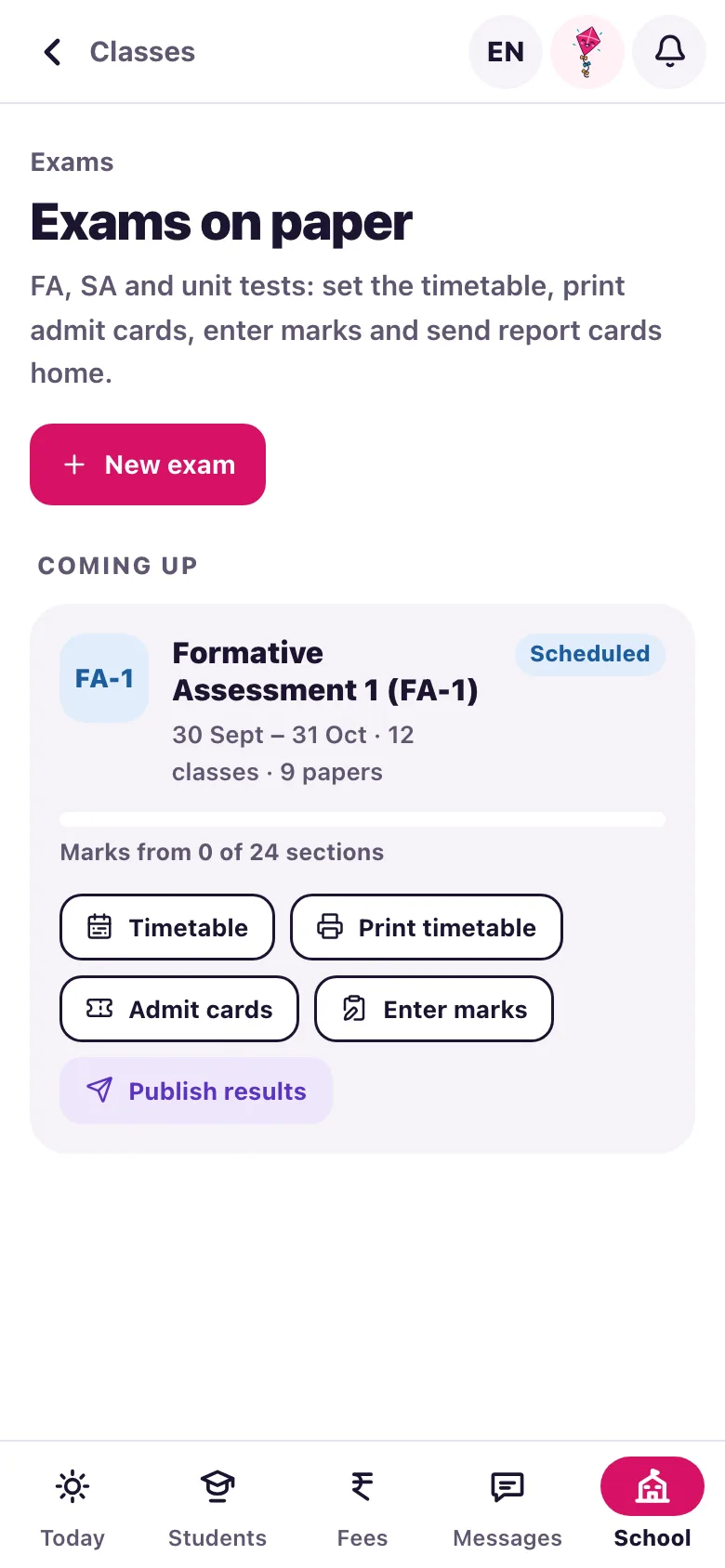
Set up the exam
Subjects, maximum marks and dates.
Teachers enter marks
Each teacher enters their own subject.
Share and print
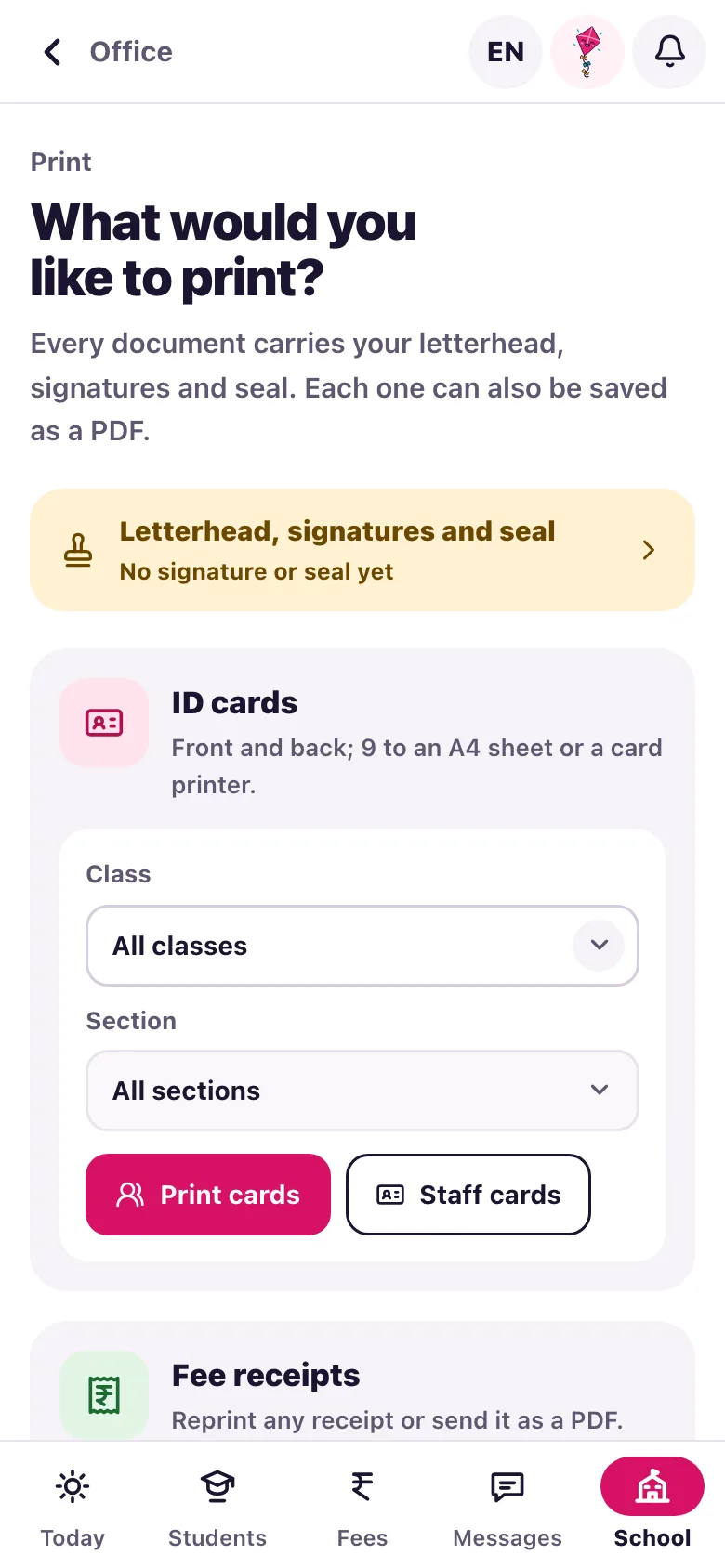
Publish to parents and print the section’s report cards.
What’s inside
Exams and marks
Exam terms and dates
Your terms, unit tests and exam dates, shared with parents.
Marks entry
Fast entry by class and subject on a phone or a laptop.
Grades and ranks
Grade bands you set, pass marks, and ranks that share ties fairly.
Results out
Report cards
A whole section printed on your letterhead with signature and seal.
Admit cards
Printed two to a page with a cut line.
Results to parents
Shown in the app, and on WhatsApp when the family asks.
Why schools switch to Longbell
- Fair ranks
- Two children with the same total share the rank, and the next rank is skipped properly.
- Ask instead of export
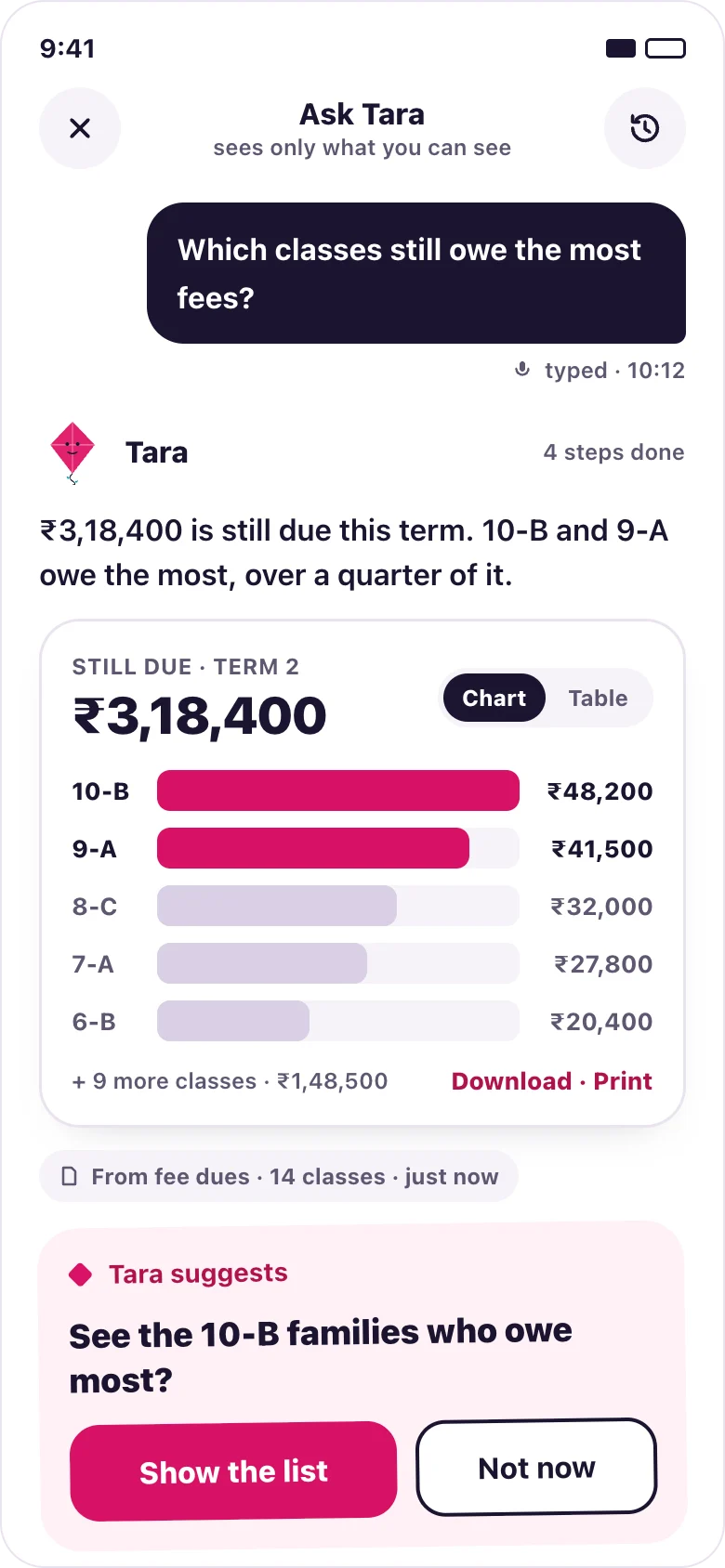
- “How did 6-A do in the unit test?” gets a chart and the list, without a spreadsheet.
- Printing that looks official
- Your letterhead, signature and seal on every card.
Questions schools ask
Something else on your mind? We answer on the demo call, with your own lists on screen.
Book a demoCan we use our own grading scheme?
Yes. You set the grade bands and pass marks for your board and classes.
Can parents see marks in the app?
Yes, once the school shares them.
Does it print report cards in bulk?
Yes. A whole section’s report cards print together on your letterhead.
Can we print hall tickets and admit cards?
Yes. Admit cards print two to a page with the child’s photo, roll number and exam timetable, ready to cut.
Do ranks handle ties?
Yes. Children with the same total share a rank, and the next rank is skipped, so ranks are always fair.
Can marks be entered on a phone?
Yes. Teachers enter their subject’s marks on a phone or a laptop, and Tara can read a photo of a handwritten marks sheet for the teacher to confirm.
Goes well with exams & report cards
All 25 features- Control & AIAI for schoolsAn AI helper who does the school’s work, and asks before she changes anything.
- Control & AISchool management softwareSchool management software that does the work, not just the records.
- CommunicationParent communicationWrite it once. Every family reads it in their own language.


Ring the first bell.
See Longbell with your own school’s lists and your own questions for Tara. We will show you around in Telugu or English.
- A short call, at a time that suits your school
- Bring a register or fee list, and watch Tara read it
- We’ll tell you honestly what fits and what doesn’t