 Schools
 School groups
 Coaching centres
 Fully managed
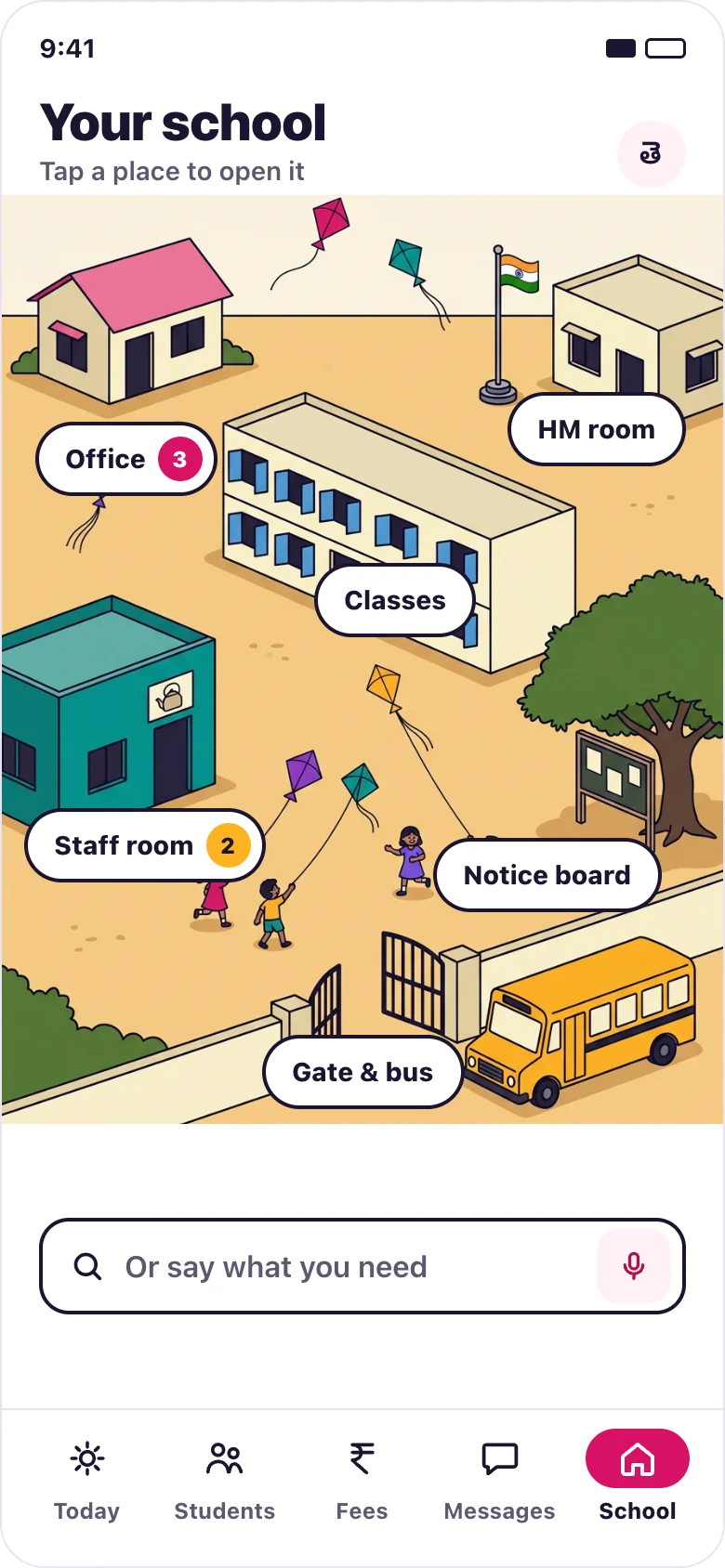
Hand over your registers. Tara lays out the whole school.
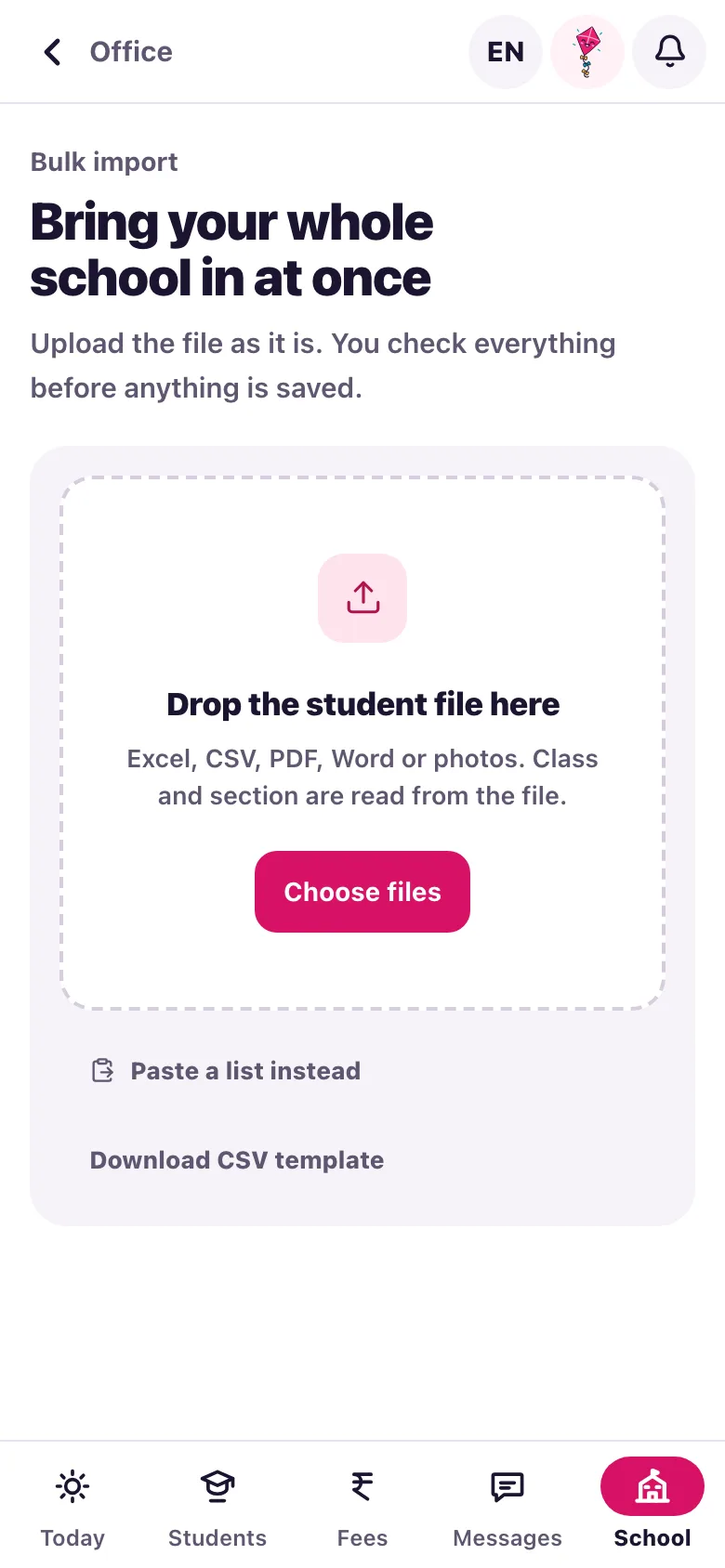
Longbell imports an entire school’s data with AI. Give Tara your Excel or CSV files, an export from your old software, PDFs, Word documents or photos of the registers, and she lays out every class, section, child, guardian and phone number as a preview. Anything unclear is flagged, and nothing is saved until you check it.
In every plan, from ₹15,000 a year. No modules to unlock.

New software usually means weeks of typing. Not here.
The usual way
Fill in the vendor’s template, column by column, for every child. Many schools give up halfway and run two systems for a year.
 With Longbell
Hand Tara the files you already have, even photos of a register. She lays out every class and child as a preview, flags anything unclear, and saves nothing until you check it.
How it works
Step by step in the guideUpload
School › Add many students, then drop in the files or photos.
Save
The school is ready; invite staff and parents.
What’s inside
What Tara reads
Any format
Excel, CSV, PDF, Word, old software exports and photos of registers.
The whole school at once
Classes, sections, children, guardians and phone numbers in one pass.
Problems flagged
A child with no class or a duplicate phone number is marked for you to fix.
How it stays safe
Nothing saved early
You check the preview and press save.
Marks from a photo
Snap a handwritten marks sheet and Tara fills in the marks for you to confirm.
Free help
Our team helps with the move at no cost.
Why schools switch to Longbell
- No templates to fill
- You don’t retype anything into our format; Tara reads yours.
- Photos count
- A phone photo of a register is enough to start.
- Safe by design
- A preview first, every time, and nothing changes until you save.
Questions schools ask
Something else on your mind? We answer on the demo call, with your own lists on screen.
Book a demoCan we import students from Excel?
Yes. Excel and CSV files, PDFs, Word documents, old software exports and photos of registers all work.
How long does it take to import a school?
Most schools go from files to a checked preview in an afternoon. Our team helps for free.
What if the data has mistakes?
Tara flags anything unclear, such as a missing class, and nothing is saved until you have checked the preview.
Can Tara read a photo of a handwritten register?
Yes. A clear phone photo of a register is enough. Tara reads it into a preview that you check before saving.
Do we have to use your template?
No. Tara reads your files as they are, whatever the columns are called.
Can staff lists be imported too?
Yes. Students, staff, or both at once, from the same kinds of files.
Goes well with ai data import
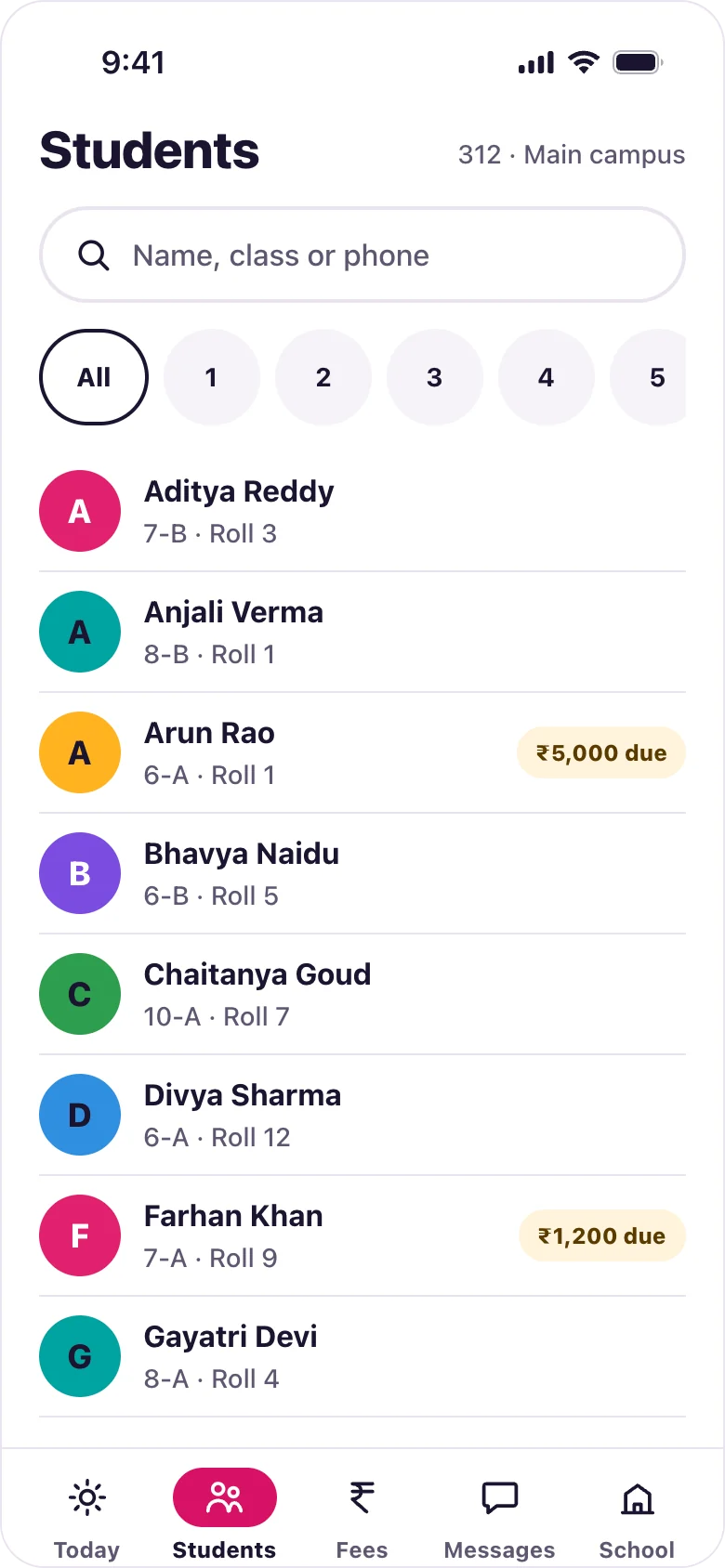
All 25 features- Students & admissionsStudent information systemEvery child’s whole story, from enquiry to alumni.
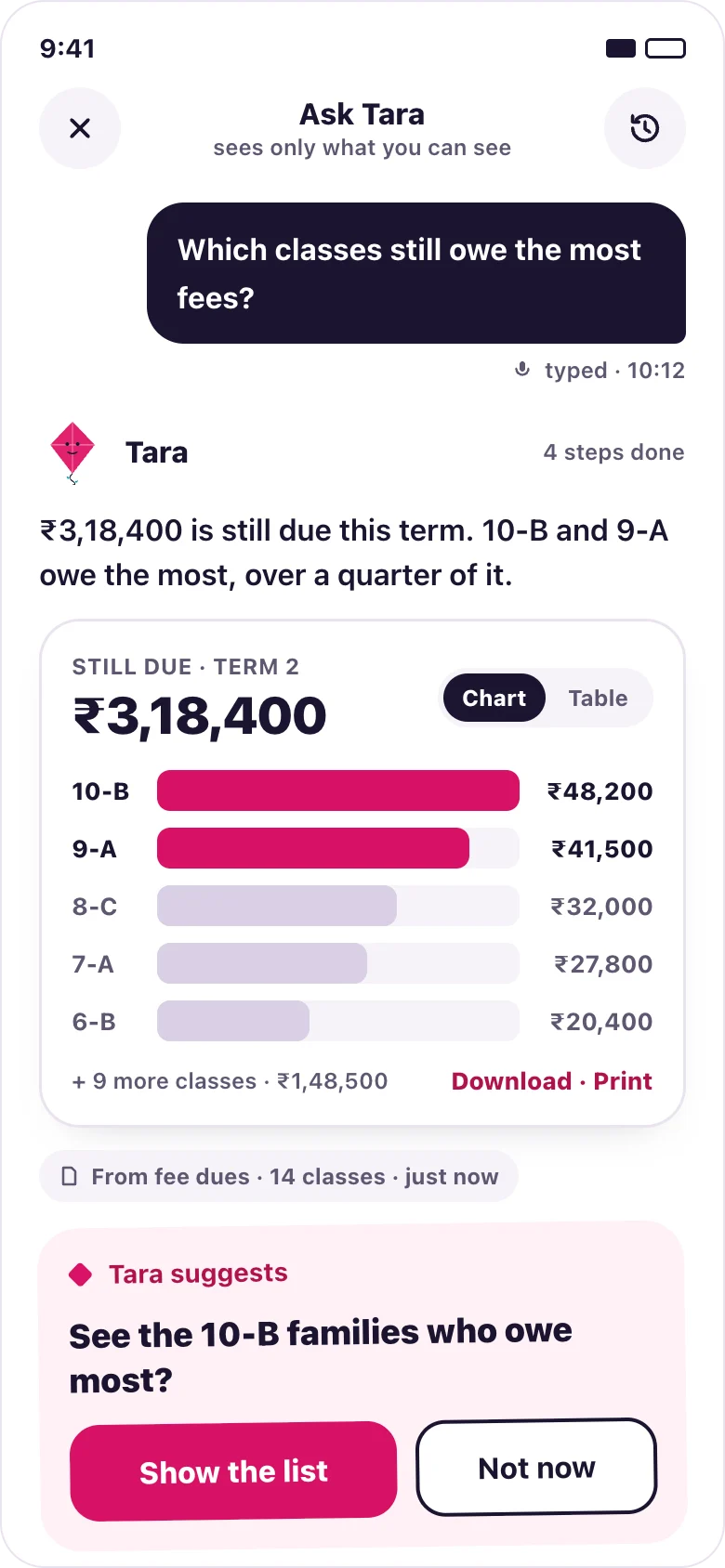
- Control & AIAI for schoolsAn AI helper who does the school’s work, and asks before she changes anything.
- Control & AISchool management softwareSchool management software that does the work, not just the records.
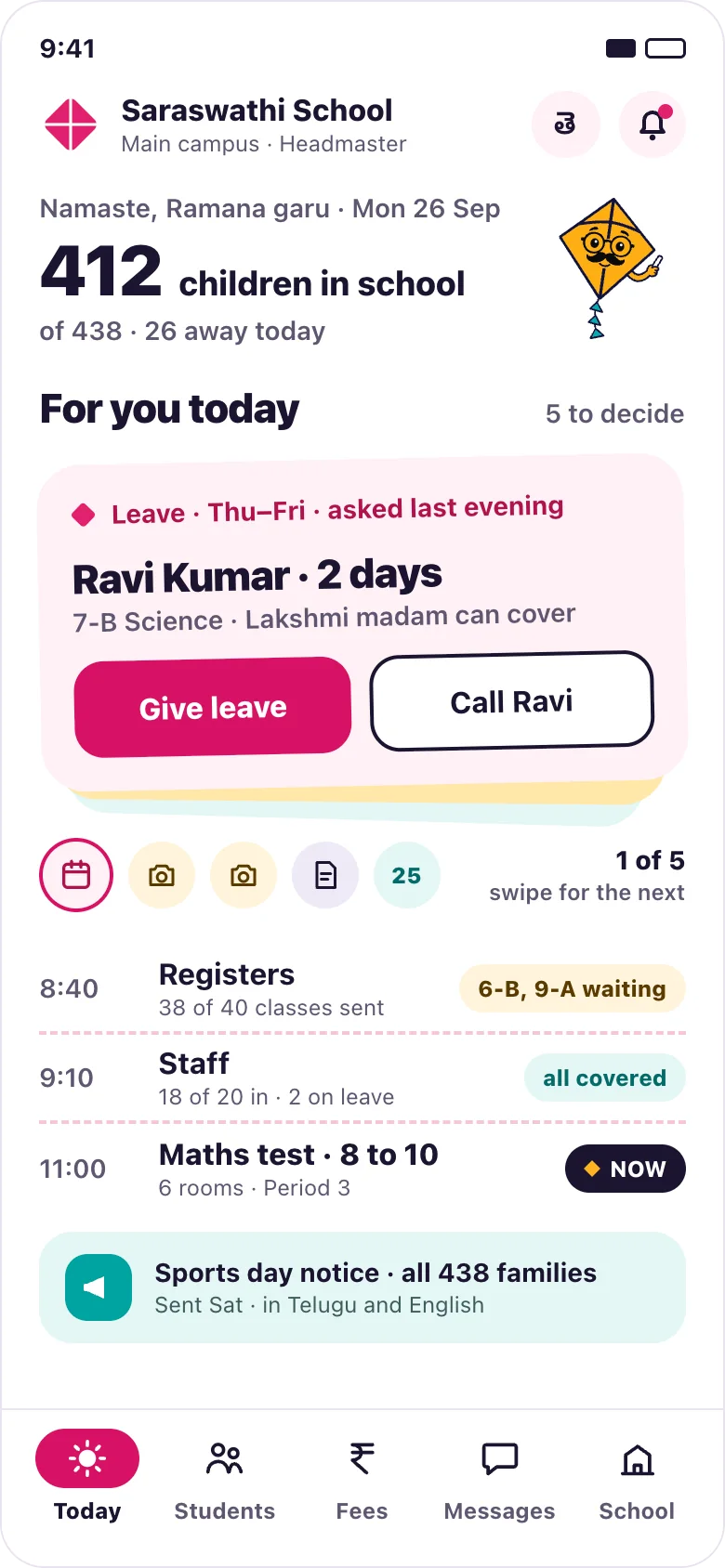


Ring the first bell.
See Longbell with your own school’s lists and your own questions for Tara. We will show you around in Telugu or English.
- A short call, at a time that suits your school
- Bring a register or fee list, and watch Tara read it
- We’ll tell you honestly what fits and what doesn’t