 School groups
 Coaching centres
 Fully managed
Salaries from the attendance you already take.
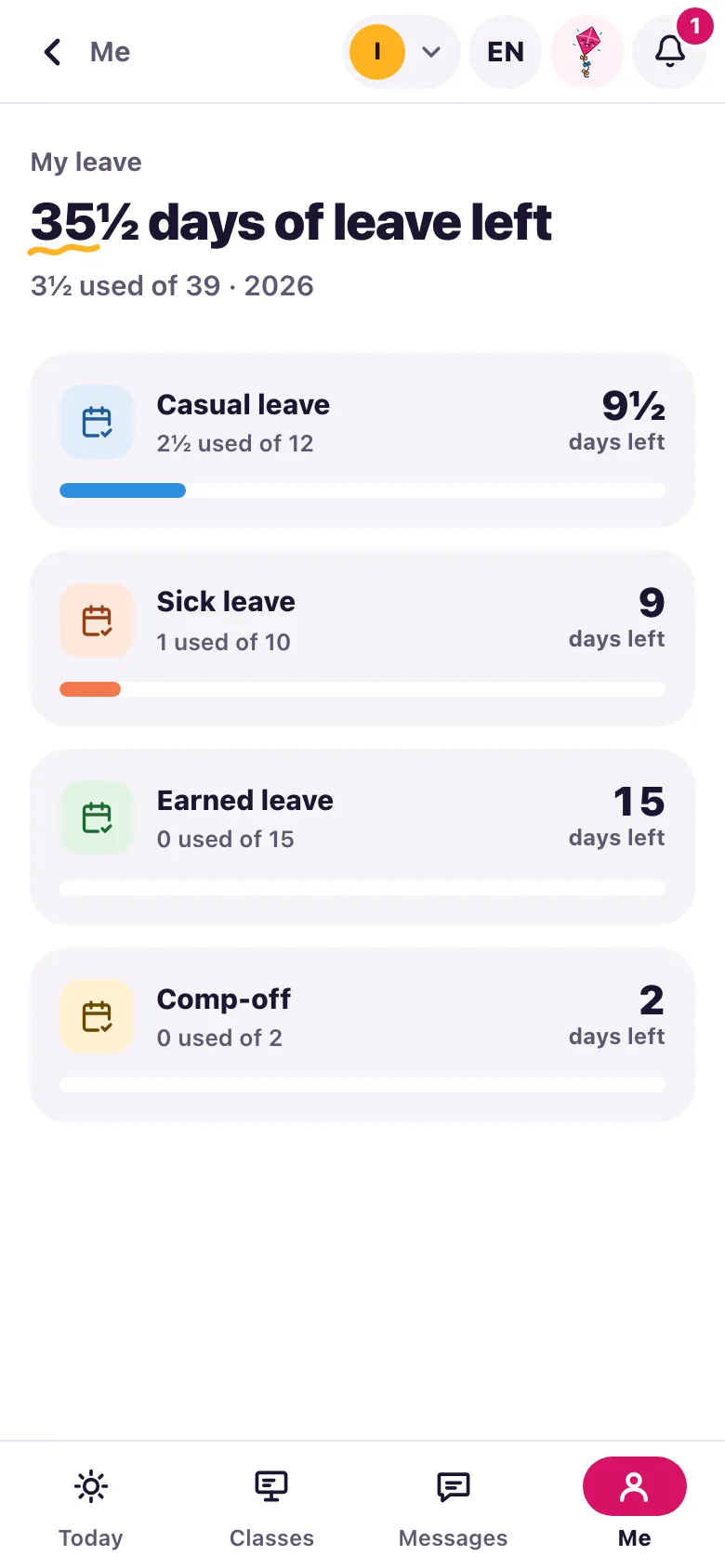
Longbell’s school payroll software works out each person’s pay from their salary and the month’s staff attendance, taking a day’s pay for each day away without leave. PF, ESI, professional tax and TDS are optional switches, so a small school can keep it to salary alone. Payslips reach each teacher’s phone when salaries are marked paid.
In every plan, from ₹15,000 a year. No modules to unlock.

Payday shouldn’t take a week of the accountant’s time.
The usual way
Attendance on paper, salaries in a spreadsheet, leave worked out from memory, and payslips nobody sees until there is a dispute.
 With Longbell
Pay is worked out from the staff attendance teachers already mark. PF, ESI and the rest are switches you turn on if you need them, and every payslip reaches the teacher’s phone.
How it works
Step by step in the guideSwitch on what you use
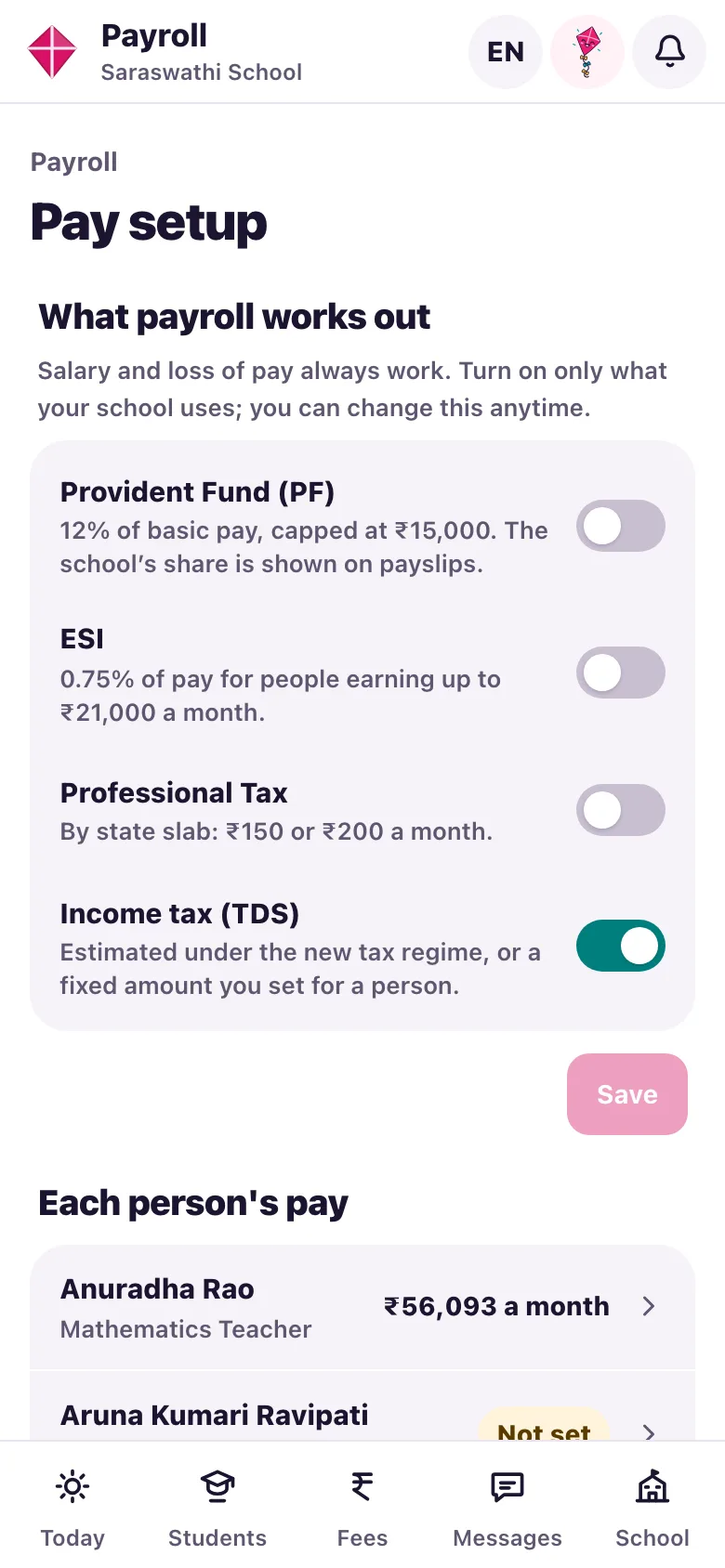
Staff room › Payroll › Pay setup. Everything statutory starts off.
Set each person’s pay once
One salary line is enough; add HRA or allowances if you use them.
What’s inside
Working out pay
Pay from attendance
Loss of pay is salary divided by the days in the month, for each day away without leave.
Statutory parts, only if you want them
PF on basic up to the ₹15,000 ceiling, ESI up to ₹21,000 gross, AP and Telangana professional tax, and TDS under the new regime.
Bonuses and advances
One-off additions or deductions for a month without touching anyone’s set pay.
Paying, and payslips
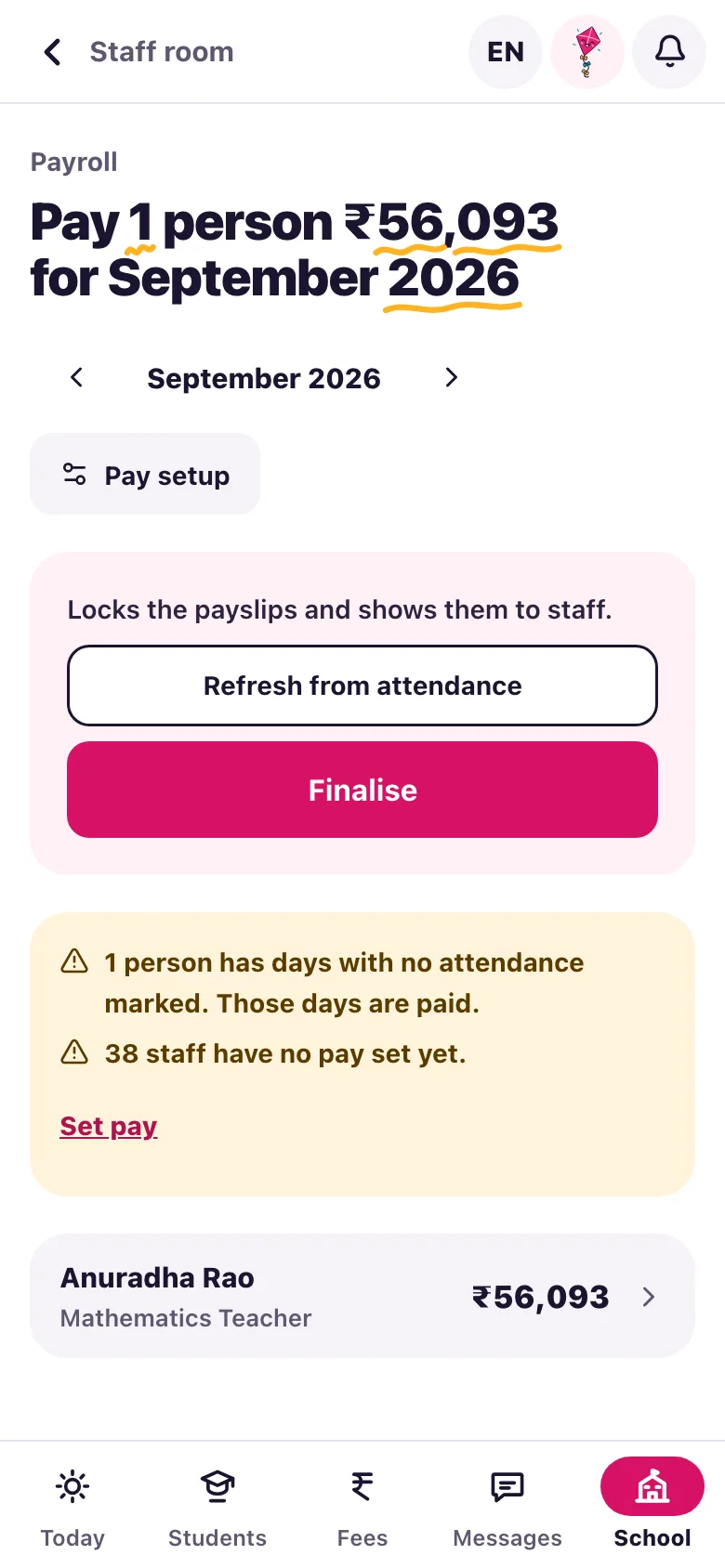
Draft, final, paid
Prepare as often as you like; finalising locks the payslips and shows them to staff.
Payslips on the phone
Each person sees their own payslip, shares it as a PDF, or asks for it on WhatsApp.
Salaries in your expenses
Paid salaries appear in the month’s expenses automatically.
Why schools switch to Longbell
- Nothing forced on you
- Many payroll tools assume PF and ESI. Longbell starts with salary only and lets you add the rest.
- Attendance already done
- Teachers mark staff attendance in the same app, so there is nothing to import.
- Private by design
- Only administrators see salaries; everyone else sees only their own payslip.
Questions schools ask
Something else on your mind? We answer on the demo call, with your own lists on screen.
Book a demoHow is loss of pay calculated?
A day’s pay is the monthly salary divided by the number of days in that month. Each day away without approved leave takes off one day’s pay; a half day takes half.
Does Longbell calculate PF and ESI?
Yes, if you switch them on: PF at 12% of basic up to the ₹15,000 wage ceiling, and ESI at 0.75% for staff earning up to ₹21,000 a month, with the school’s share shown on the payslip.
Which states’ professional tax is supported?
Andhra Pradesh and Telangana today: nil up to ₹15,000 a month, ₹150 up to ₹20,000, and ₹200 above.
Can staff see their payslips?
Yes. Each staff member sees their own finalised payslips under My pay, and can ask for a summary on WhatsApp.
Can a small school use payroll without PF and ESI?
Yes. Every statutory part starts switched off. A school can pay salary only and switch PF, ESI, professional tax or TDS on later.
Can we add a bonus or an advance for one month?
Yes. One-off additions and deductions apply to that month only, without changing anyone’s set pay.
Who can see salaries?
Only administrators. Every other staff member sees only their own payslips.
Goes well with payroll
All 25 features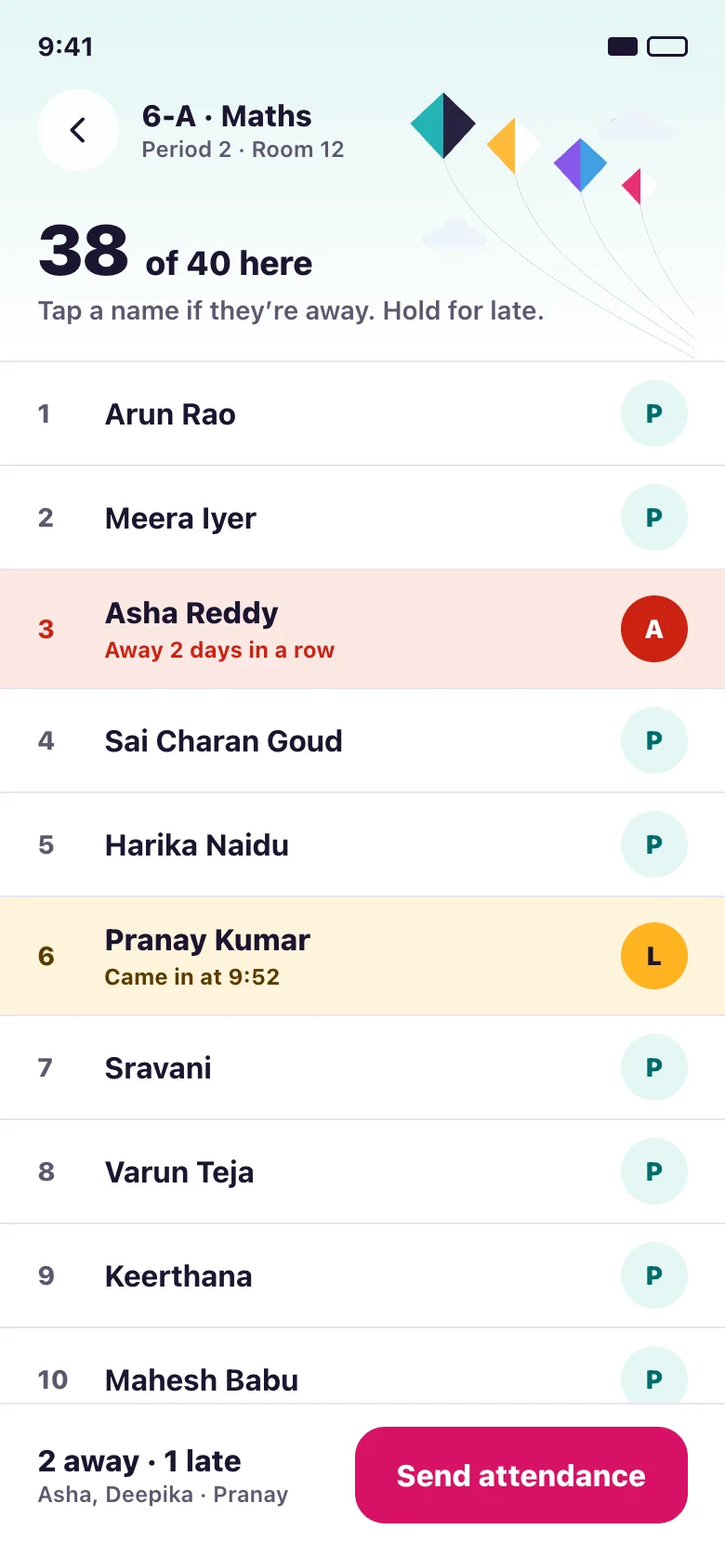


Ring the first bell.
See Longbell with your own school’s lists and your own questions for Tara. We will show you around in Telugu or English.
- A short call, at a time that suits your school
- Bring a register or fee list, and watch Tara read it
- We’ll tell you honestly what fits and what doesn’t