 School groups
 Coaching centres
 Fully managed
A timetable without clashes, and cover in one tap.
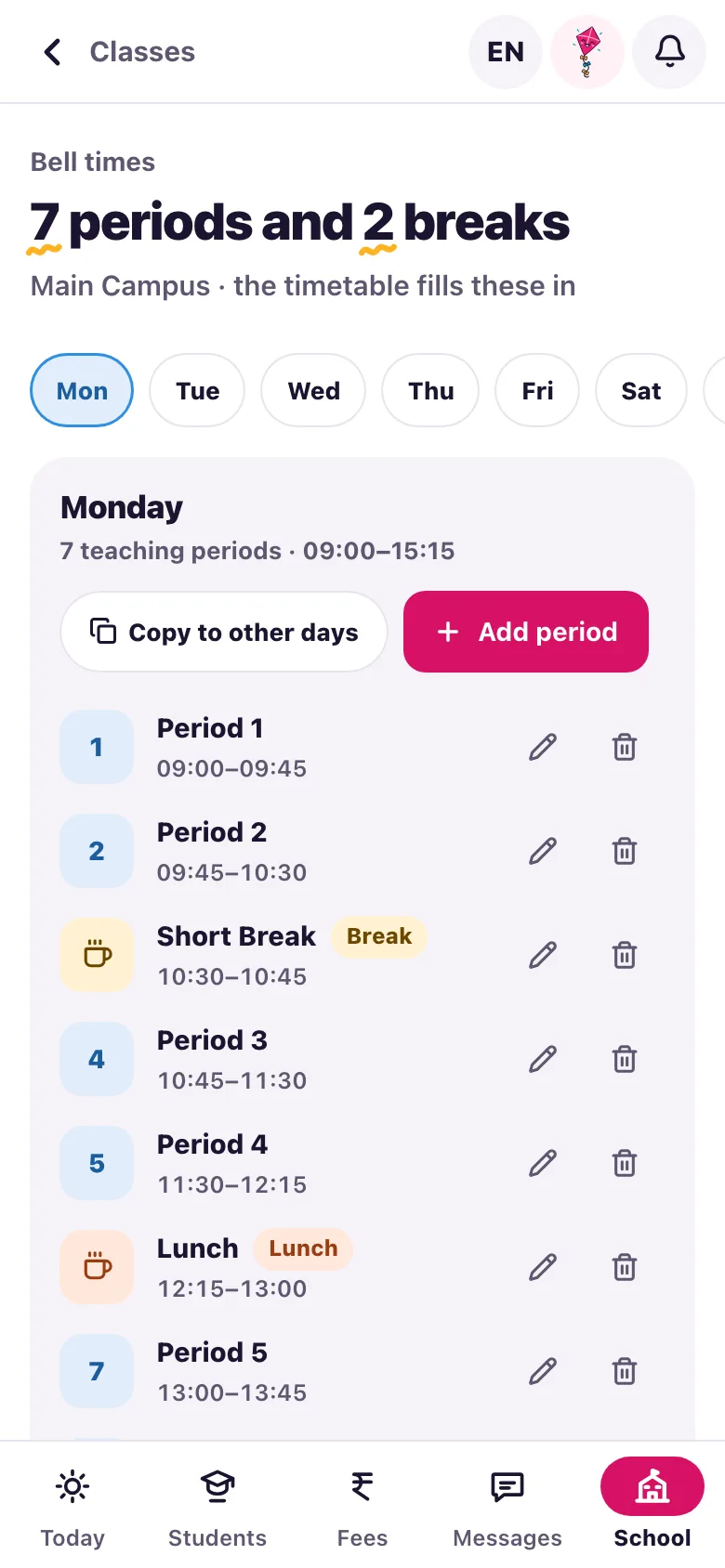
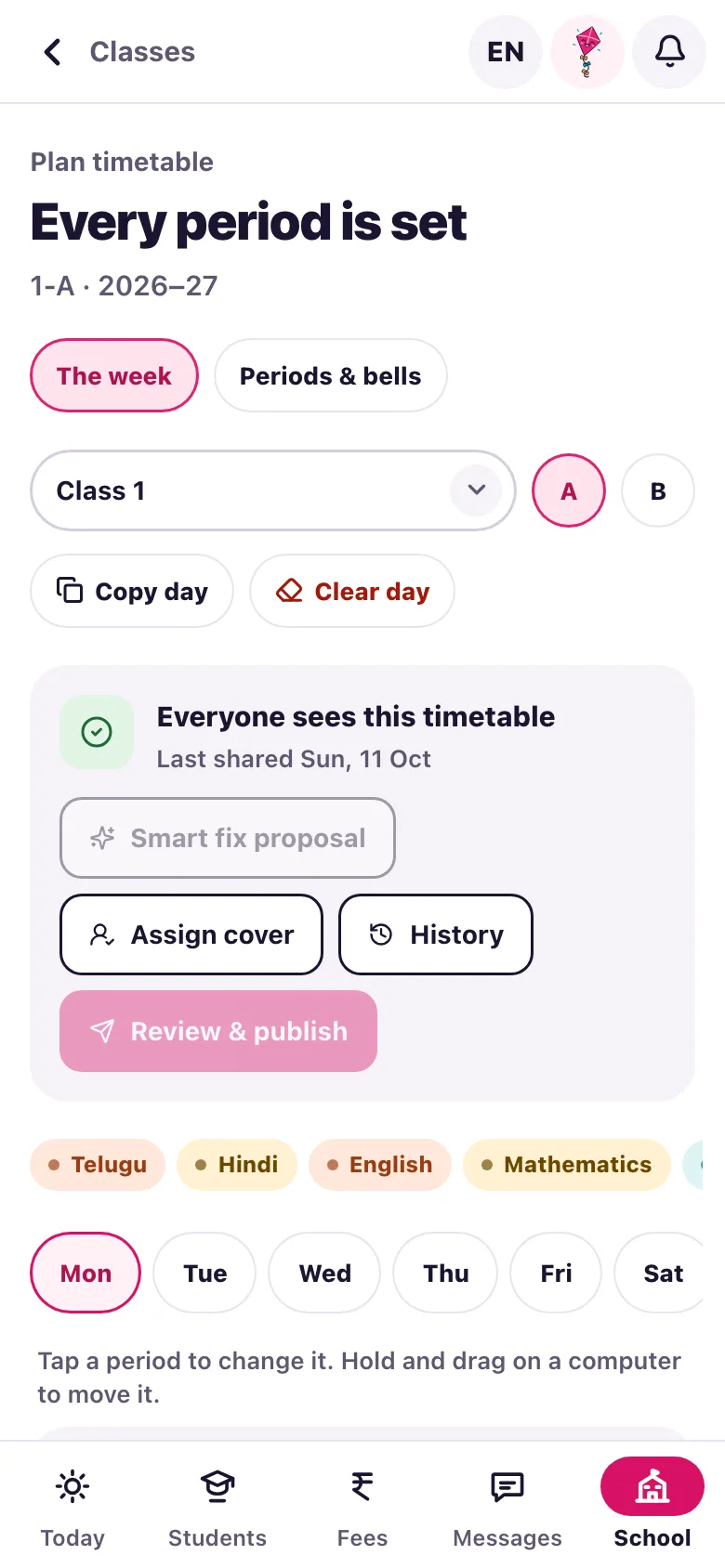
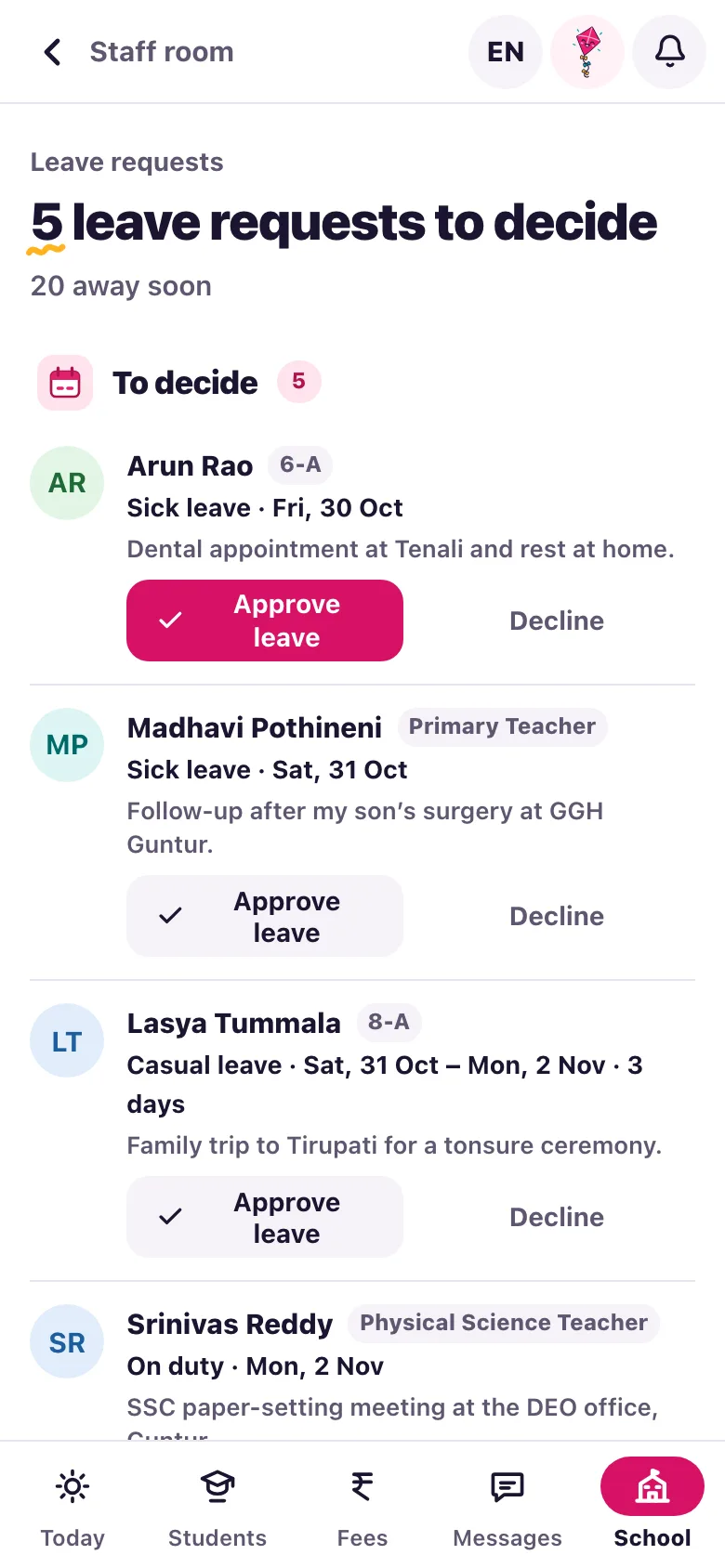
Longbell’s timetable software lets you set the school’s bell times, assign subjects and teachers to every period, and warns you the moment a teacher or room is double-booked. Every teacher sees their own timetable, every class sees theirs, and when a teacher is on leave Longbell shows who is free to cover.
In every plan, from ₹15,000 a year. No modules to unlock.

A timetable that catches clashes before the first bell.
The usual way
A big sheet on the staffroom wall, rewritten every term. A teacher booked into two rooms is found out when both classes are waiting.
 With Longbell
Set bell times, tap a period to give it a subject and teacher, and clashes are flagged as you go. Everyone sees their own timetable, and cover takes one tap.
How it works
Set bell times
The shape of your school day.
Assign periods
Subject and teacher for each class.
What’s inside
Planning
Bell times
Periods, breaks, lunch and assembly, in ringing order.
Plan the week
Tap a period to assign a subject and teacher.
Clash warnings
A teacher or room double-booked is flagged straight away.
Every day
Everyone’s view
Teachers see theirs, classes see theirs, the head sees the school.
Cover a class
Free teachers for that period, when someone is away.
Why schools switch to Longbell
- Clashes caught as you go
- No surprise double bookings in the first week.
- Cover in one tap
- Cover a class shows which teachers are free that period.
- On every phone
- No printed timetable to lose.
Questions schools ask
Something else on your mind? We answer on the demo call, with your own lists on screen.
Book a demoDoes it detect timetable clashes?
Yes. Longbell warns you when a teacher or room is double-booked.
Can teachers see their own timetable?
Yes. Each teacher sees their own timetable, and classes and parents see theirs.
How does substitution work?
When a teacher is away, Cover a class shows who is free that period.
Does it warn about clashes?
Yes. A teacher or room booked twice in the same period is flagged as soon as it happens.
Can we set different bell times?
Yes. Periods, breaks, lunch and assembly are set by the school, in the order the bell rings.
How do we find a cover teacher?
Cover a class shows which teachers are free in that period, so cover takes one tap.


Ring the first bell.
See Longbell with your own school’s lists and your own questions for Tara. We will show you around in Telugu or English.
- A short call, at a time that suits your school
- Bring a register or fee list, and watch Tara read it
- We’ll tell you honestly what fits and what doesn’t