 Coaching centres
Fully managed
You run the school. We’ll set up the software.
Our team brings your school into Longbell and stays with you: we bring your lists in, set up fees, exams and printing, add your campuses, show your staff around and do the year-end rollover with you.


What we do for you
Six steps, and you only take the first call.
- 01A first callIn Telugu or English. We learn how your school runs: classes, fee heads, exams, who does what.
- 02Your lists come inSend us registers, admission forms and fee lists, in whatever shape they are. Tara reads them; our team checks every row.
- 03Fees and receiptsFee heads, due dates and receipt serials set up the way your office already works.
- 04Letterhead and signaturesYour letterhead on certificates, ID cards and admit cards. Signatures photographed on white paper, backgrounds removed.
- 05Your people and their keysStaff invited with the right roles. Branches added and each campus set up for you.
- 06Through the yearHelp when you need it, and the year-end rollover done with you, with a way back if anything’s off.
Two ways to start
Do it yourself, or let us.
Both get the same Longbell and the same Tara. The only difference is who does the setting up.

Do it yourself
For offices with a little time and a clear list.
- Register your school online
- Import your lists with Tara
- Invite staff and pick their roles
- Set up fees, exams and printing

Fully managed
For schools that would rather not think about it.
- Everything in do-it-yourself, done by our team
- Every imported row checked by a person
- Campuses added and set up for you
- Staff shown how to use it
- Year-end rollover done together
Trust
Careful with a school’s records.
Aadhaar stays masked on every screen.
Download links stop working after 15 minutes.
Tara changes nothing until you say yes.
Who did what, and when, is written down.
A finished year can be rolled back.
A paused account stays readable for 90 days.
Getting started
Up and running with your own lists.
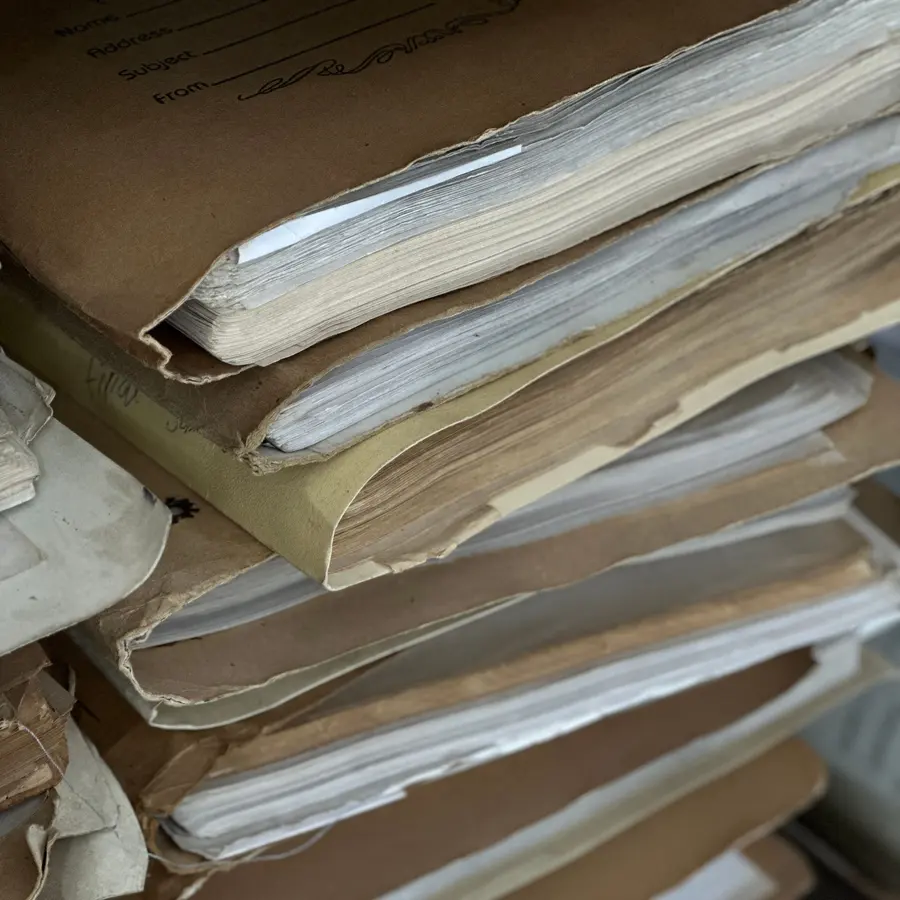
The files, registers and Excel sheets you already keep are enough. Tara reads them, and you check before anything is saved.
- Tell us about your schoolA short call. We open your school’s own Longbell.
- Hand Tara your listsExcel, PDF, Word or a photo of the register. You check the preview before anything is saved.
- Invite your peopleStart from 8 ready-made roles, or build one from 29 permissions.




Hand it to us.
Tell us about your school. We’ll tell you what we need from you, which is usually very little.
- A short call, at a time that suits your school
- Bring a register or fee list, and watch Tara read it
- We’ll tell you honestly what fits and what doesn’t